HOW TO
Download a Course GPX file
to “GAIA” or “CalTopo” App
How to Download a GPX file to your GPS Navigation device
Both the Southern States 200 & 100 and the Run Forest Run, require all runners to have the latest course GPX file downloaded to a navigation device or phone. CalTopo and GAIA are the two Apps we recommend for your phone. All runners will be required to demonstrate that they actually know how to use their navigation device.
HOW TO LOAD A GPX FILE ON THE CALTOPO APP ALREAD ON YOUR PHONE
If the CalTopo app is on the phone, a .gpx file found in Files, in an email, or from the export action of the app that recorded it can be shared straight to CalTopo the way it can be shared to any app that registers itself for that file type. This adds the track to a map the same way the web import does.
how to download a GPX file to the GAIA app on you iphone
The instruction on this link are for the Blood Rock Course. The procedure is the same for all STR Races. We strongly recommend running all our races with the course GPX file downloaded to the GAIA App on your phone. If you learn how to use the app, you will not get lost.
This is a short video explaining:
1) how to download the GAIA App to your iPhone.
2) How to load the STR Race GPX file to the GAIA App.
3) How to use the GAIA app to stay on course.
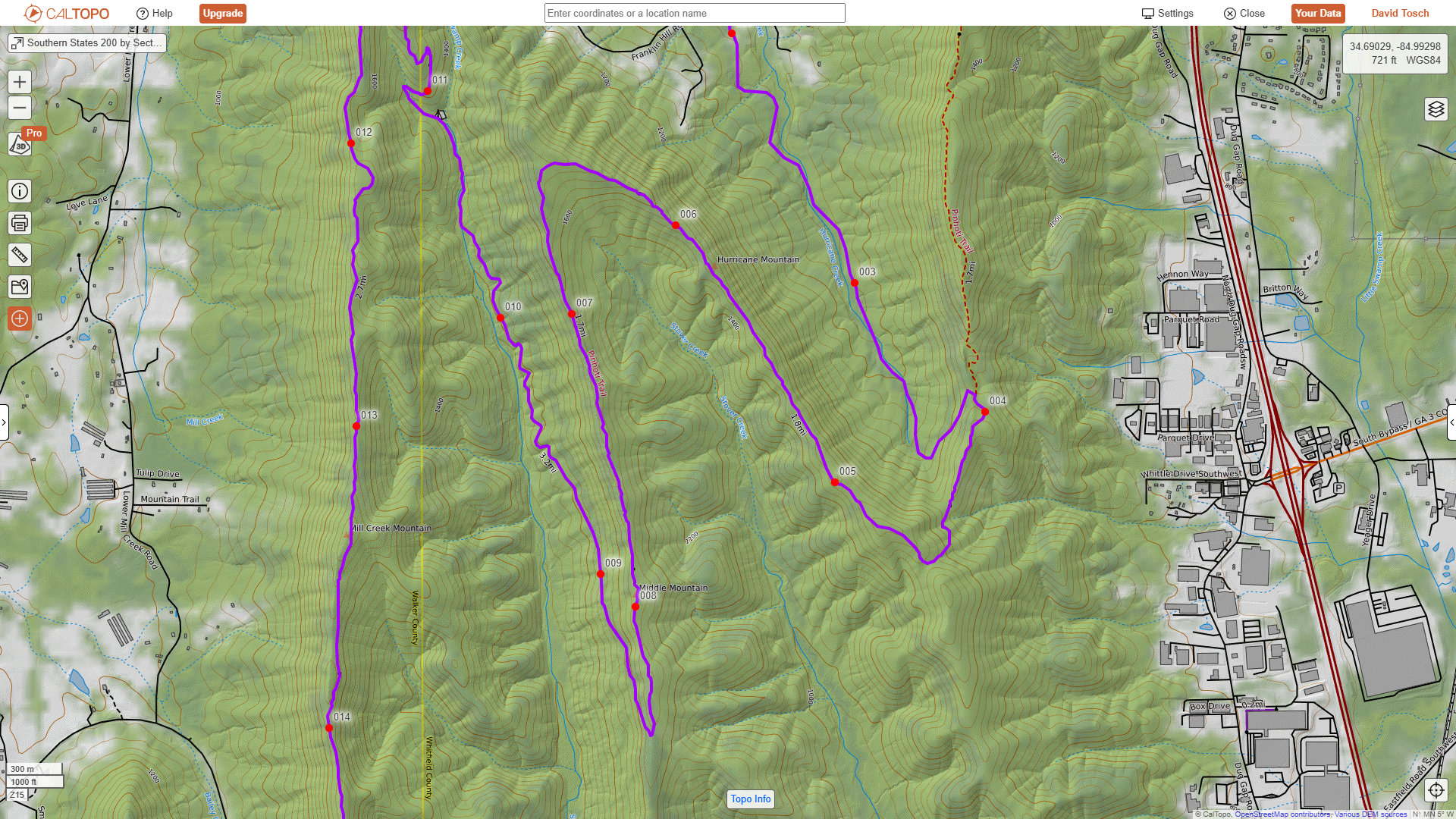
Caltopo App Display
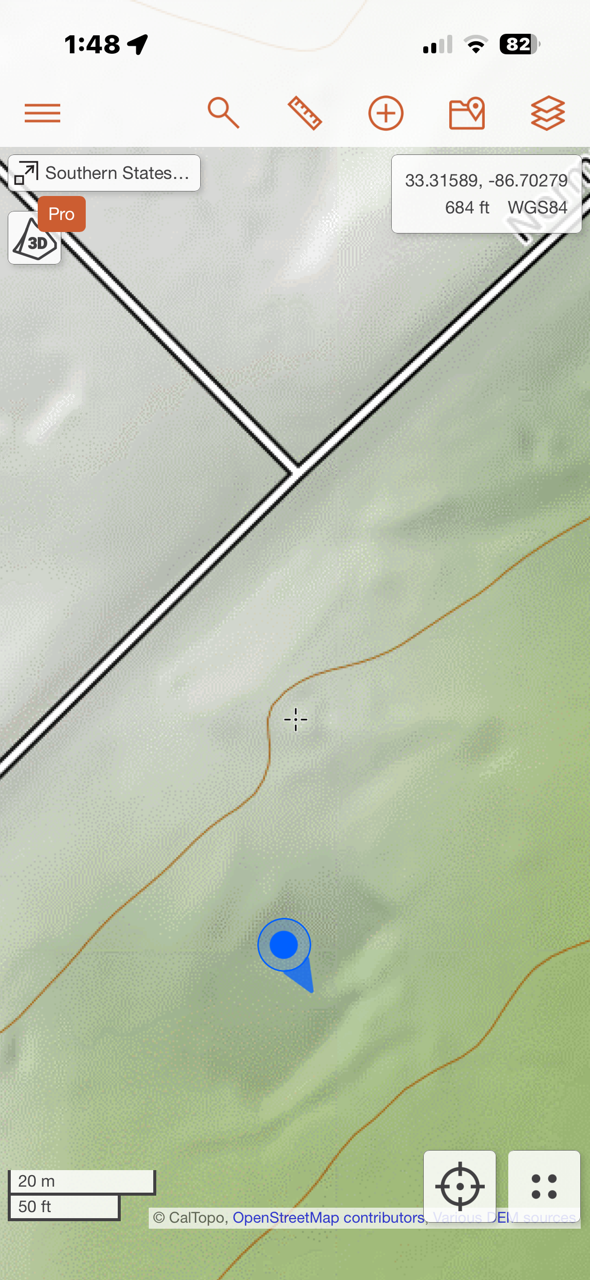
Caltopo Zoomed in, showing your current location and direction your phone is pointed.
GAIA App Display
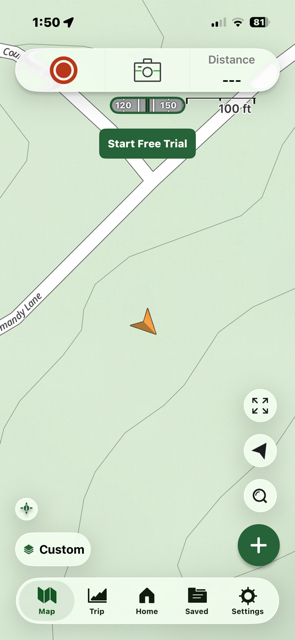
GAIA Zoomed in showing my location and the direction my phone is pointed.
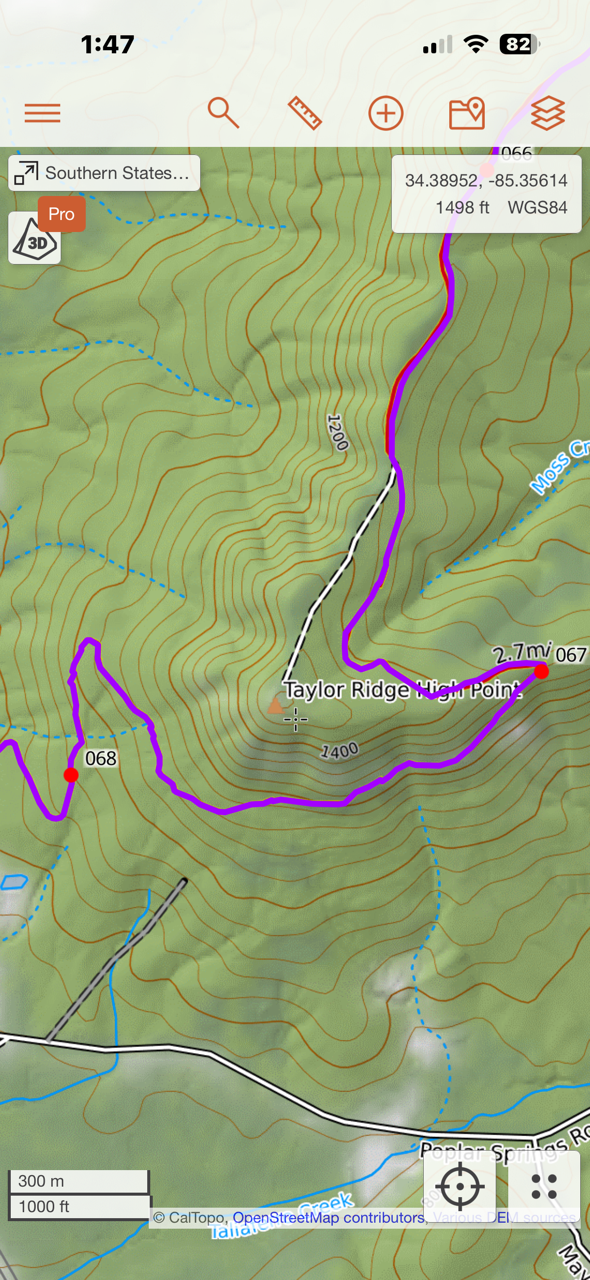
Caltopo showing over 2 miles of the Southern States 200 Course.
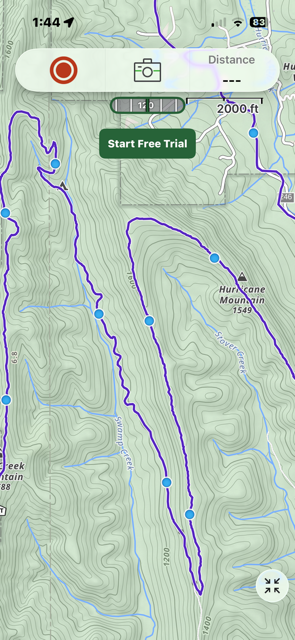
GAIA Zoomed out showing about t8 miles of the Southern States 200 Course.